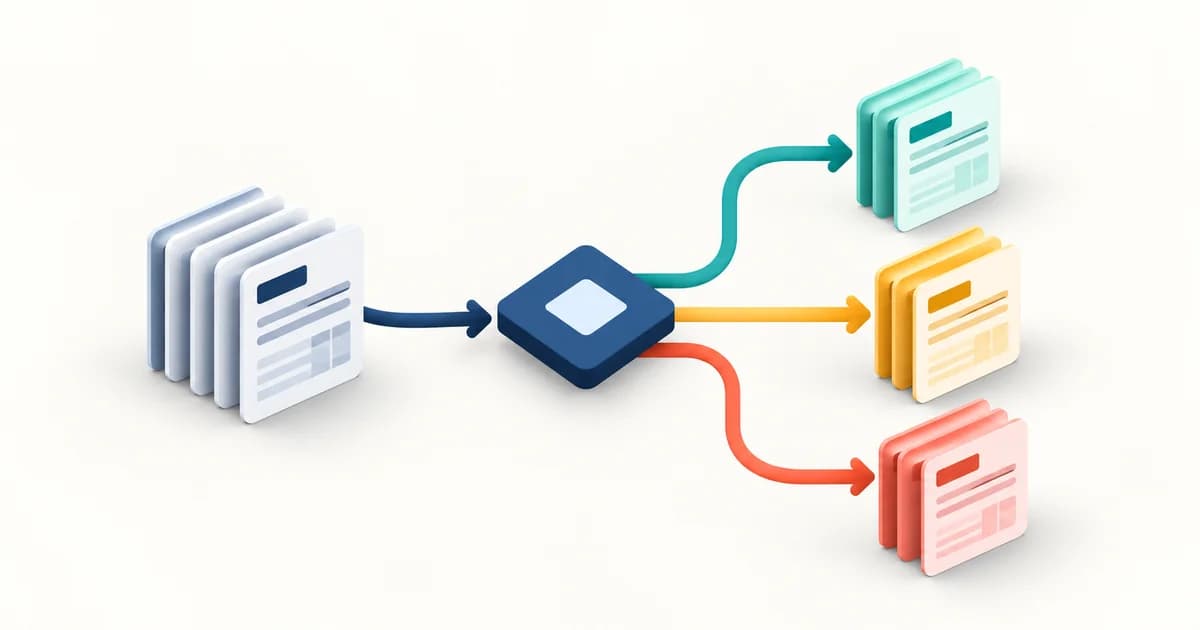
Tại sao cần kết nối KiotViet với Power BI?
KiotViet là phần mềm POS phổ biến nhất tại Việt Nam cho F&B, bán lẻ. Dữ liệu đơn hàng, tồn kho, khách hàng nằm trong KiotViet nhưng báo cáo built-in còn hạn chế. Power BI giúp bạn xây dashboard tùy chỉnh với full flexibility.
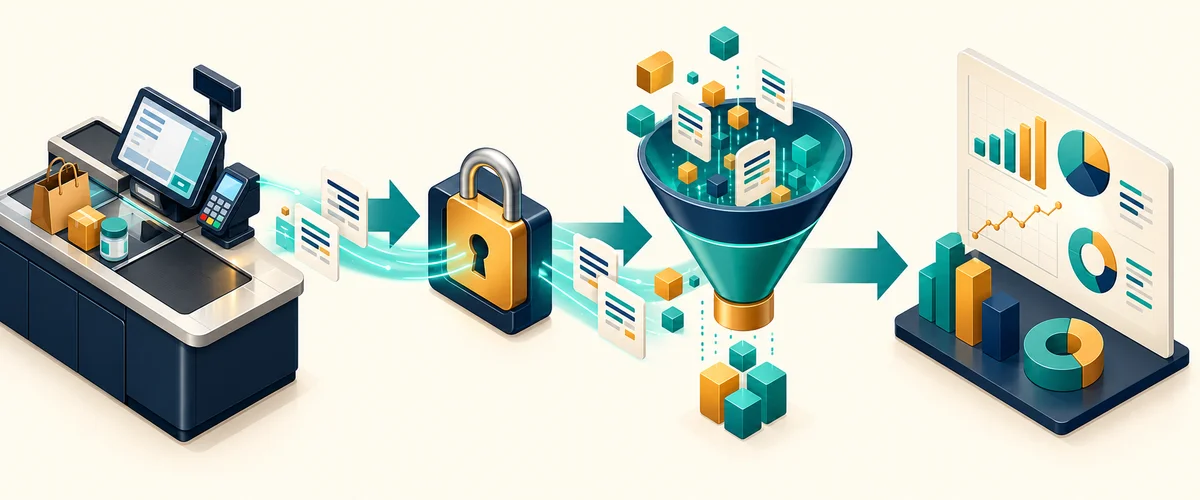
Bước 1: Lấy API credentials
Vào KiotViet Partner Portal → tạo ứng dụng → lấy client_id và client_secret. KiotViet dùng OAuth 2.0 client credentials flow.
Bước 2: Viết custom connector trong Power Query M
let
    tokenUrl = "https://id.kiotviet.vn/connect/token",
    tokenBody = "grant_type=client_credentials&client_id=" & clientId & "&client_secret=" & clientSecret & "&scopes=PublicApi.Access",
    tokenResponse = Json.Document(Web.Contents(tokenUrl, [
        Content = Text.ToBinary(tokenBody),
        Headers = [#"Content-Type" = "application/x-www-form-urlencoded"]
    ])),
    accessToken = tokenResponse[access_token]
in
    accessToken
Bước 3: Fetch dữ liệu đơn hàng
Sau khi có token, fetch /api/orders với phân trang. KiotViet API trả max 100 records/page — cần loop qua nhiều trang.
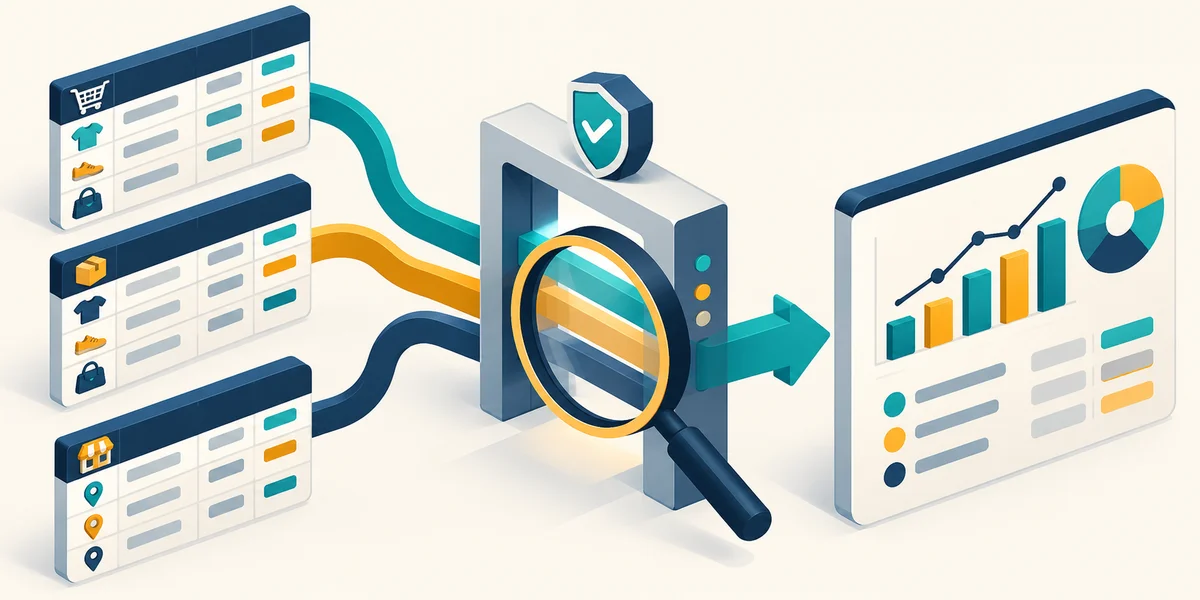
Refresh tự động
Publish lên Power BI Service → cấu hình scheduled refresh 4-8 lần/ngày. Lưu credentials vào Data Gateway để tự động lấy token mới.
Sẵn sàng xây dựng dashboard Power BI?
Kết nối với freelancer Power BI phù hợp, xem báo cáo nhúng ngay trên trình duyệt và tải file .pbix về sau khi thanh toán.

Đào Ngọc Tú
Cộng tác viên chuyên gia tại SenData. Chia sẻ kiến thức về phát triển Power BI, trực quan hóa dữ liệu và best practice business intelligence.